For iPhone · Free to start

Surf the web, learn English.

SurfEnglish turns real articles, X posts and podcasts into your daily English practice. Swipe a sentence to translate it, double-tap a word to look it up — and everything you learn comes back as a game.

Free download · English UI in 12 languages · Translations in 21 languages

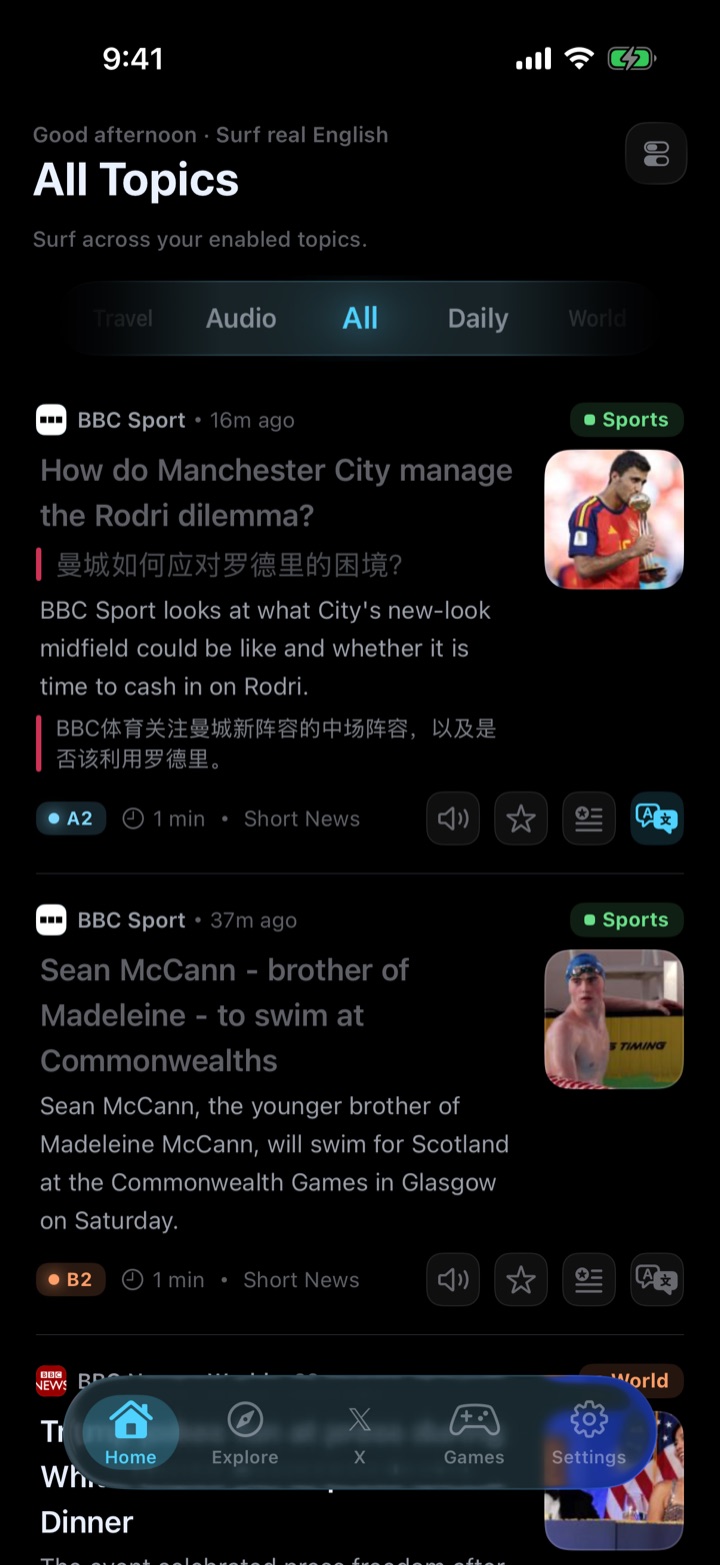
SurfEnglish home feed showing real English news articles with difficulty levels

The loop

Read. Learn. Play.

No flashcard decks to build, no word lists to maintain. Read what you love, and SurfEnglish quietly turns it into your personal course.

1

Read real English

Fresh articles from real sources, picked by your topics — not textbook passages.

2

Learn in one gesture

Swipe to translate, double-tap to look up. Every lookup lands in your library automatically.

3

Play it back

Games rebuild themselves from your own sentences and words. Review never feels like review.

Core features

Everything happens where you read.

A feed of real articles, tuned to you

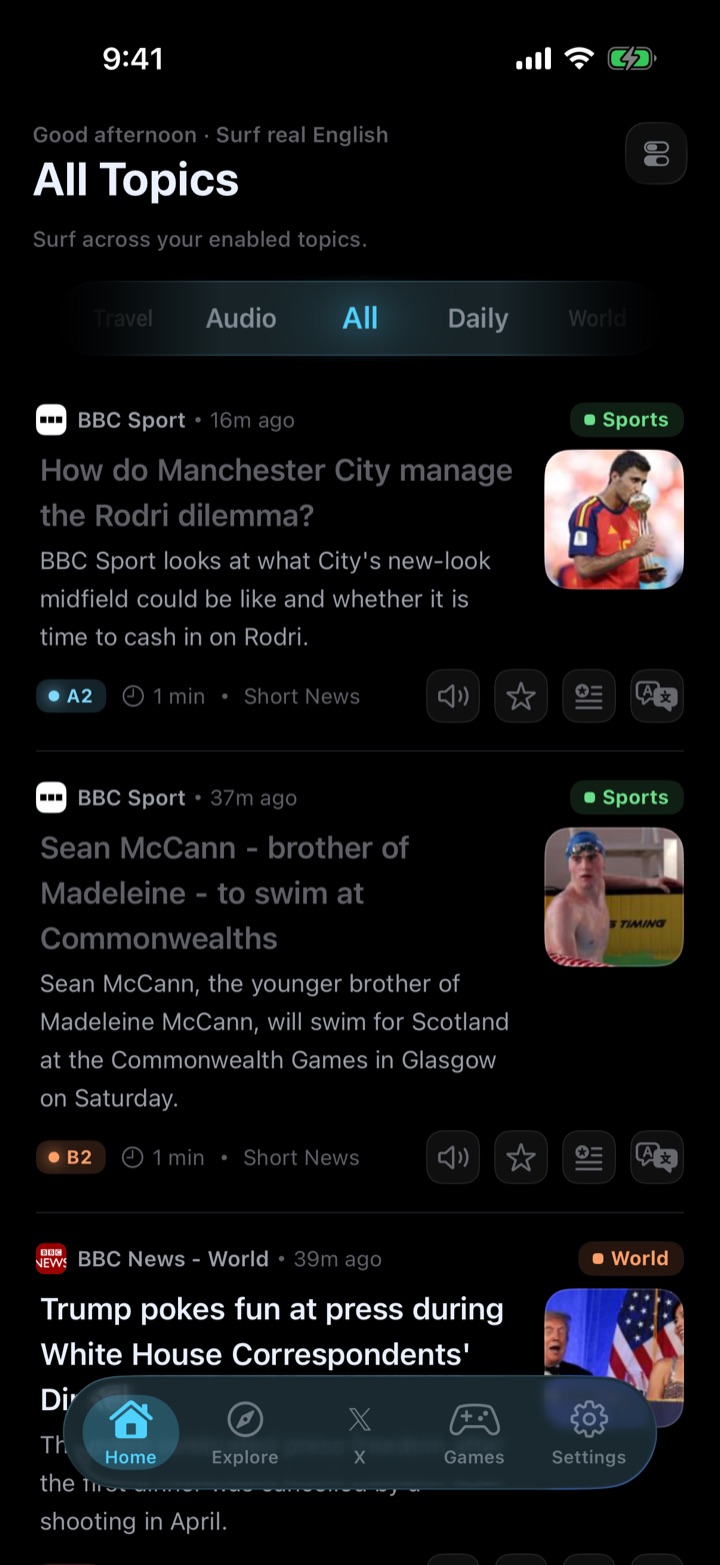
Follow the topics you care about — sports, tech, travel, daily life — and get a live feed of real English articles with difficulty levels and reading time on every card. Real English, at your level.

SurfEnglish topic feed with CEFR difficulty badges on real news articles

Swipe a sentence, see it in your language

One swipe translates the sentence right where it is — as an inline quote, a floating capsule, or the style you like. Choose the cloud engine or the fully on-device engine, into any of 21 languages.

Inline sentence translation inside the SurfEnglish feed

Double-tap any word for meaning in context

Not a generic dictionary entry — the meaning of this word in this sentence, with pronunciation, part of speech and an example. Tap ⓘ on names and places for quick background.

Word lookup card showing in-context definition in SurfEnglish

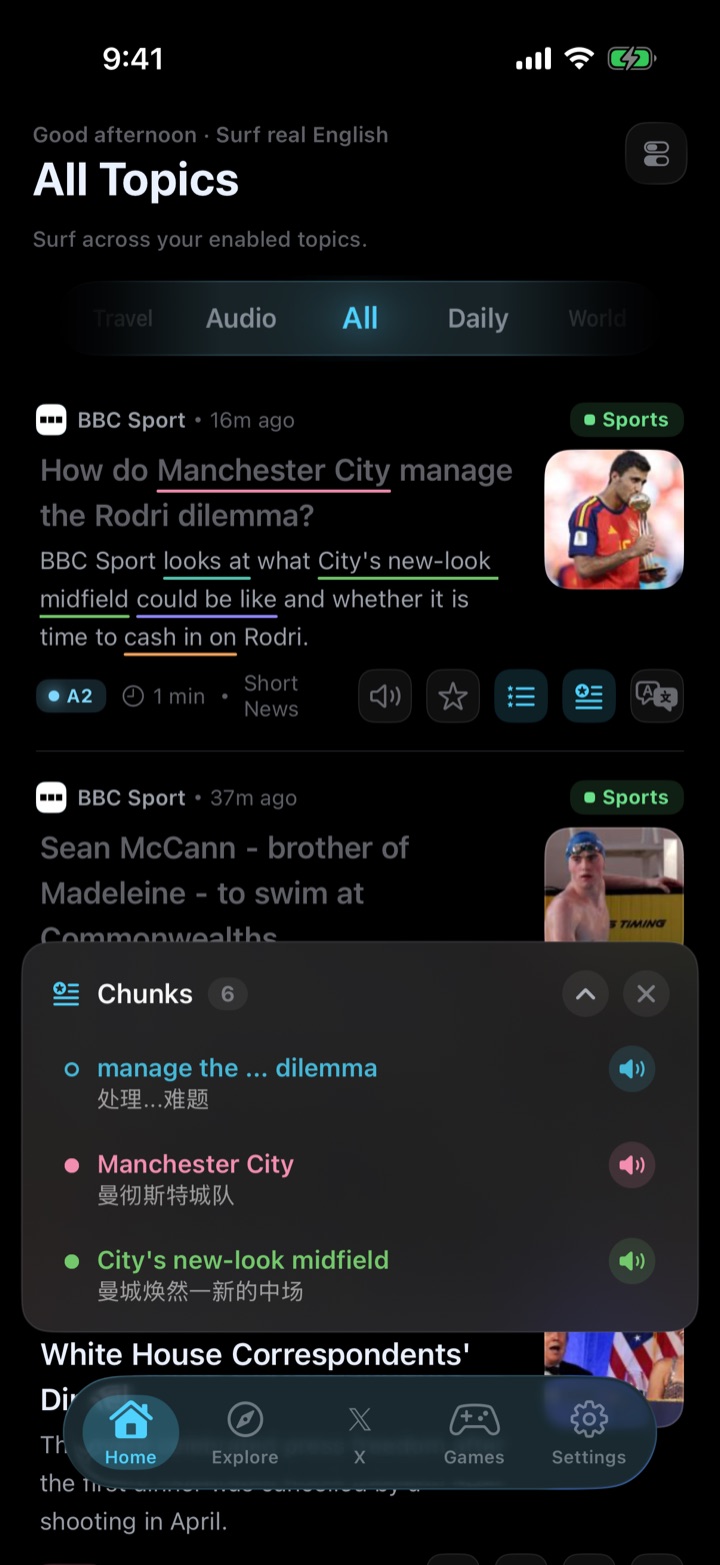
See the chunks native speakers actually use

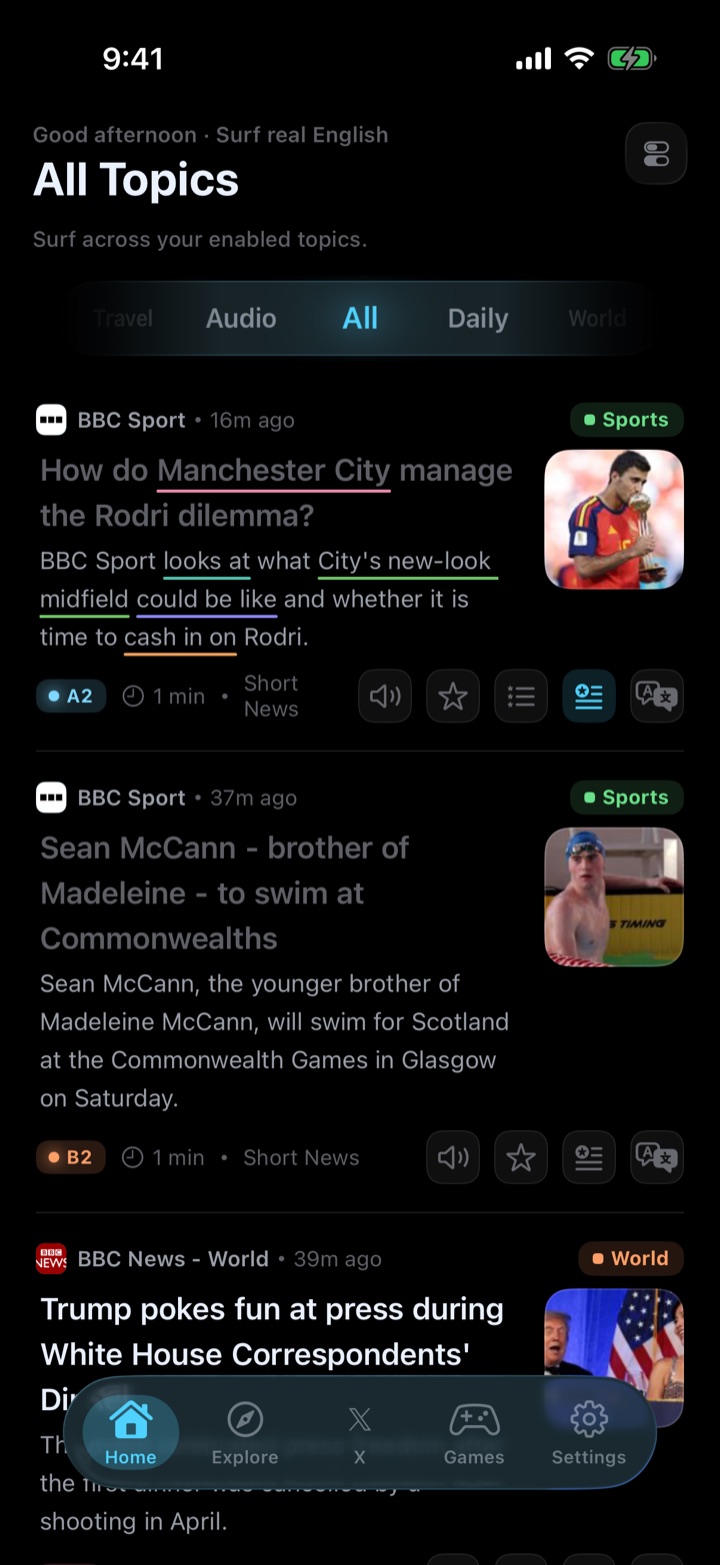
One tap highlights the reusable phrases inside any sentence — the building blocks of natural English — each with its own meaning bubble and a full list you can save.

Language chunks highlighted with colored underlines in an article

A learning library that fills itself

Every sentence you translate and every word you look up is saved on your device automatically — with context, source and review scheduling. Your vocabulary grows while you just read.

SurfEnglish library with saved vocabulary and sentences

A natural AI voice that lives on your iPhone

SurfEnglish ships with an on-device neural voice engine (Kokoro) — 12 American and British voices that read words, sentences or whole passages aloud. It runs entirely on your device, so it works offline and your text never leaves your phone.

Games

Your reading becomes your game.

SurfEnglish games don't use canned question banks. Every puzzle is generated from sentences you translated and words you looked up — so playing is reviewing.

Your reading becomes your game.
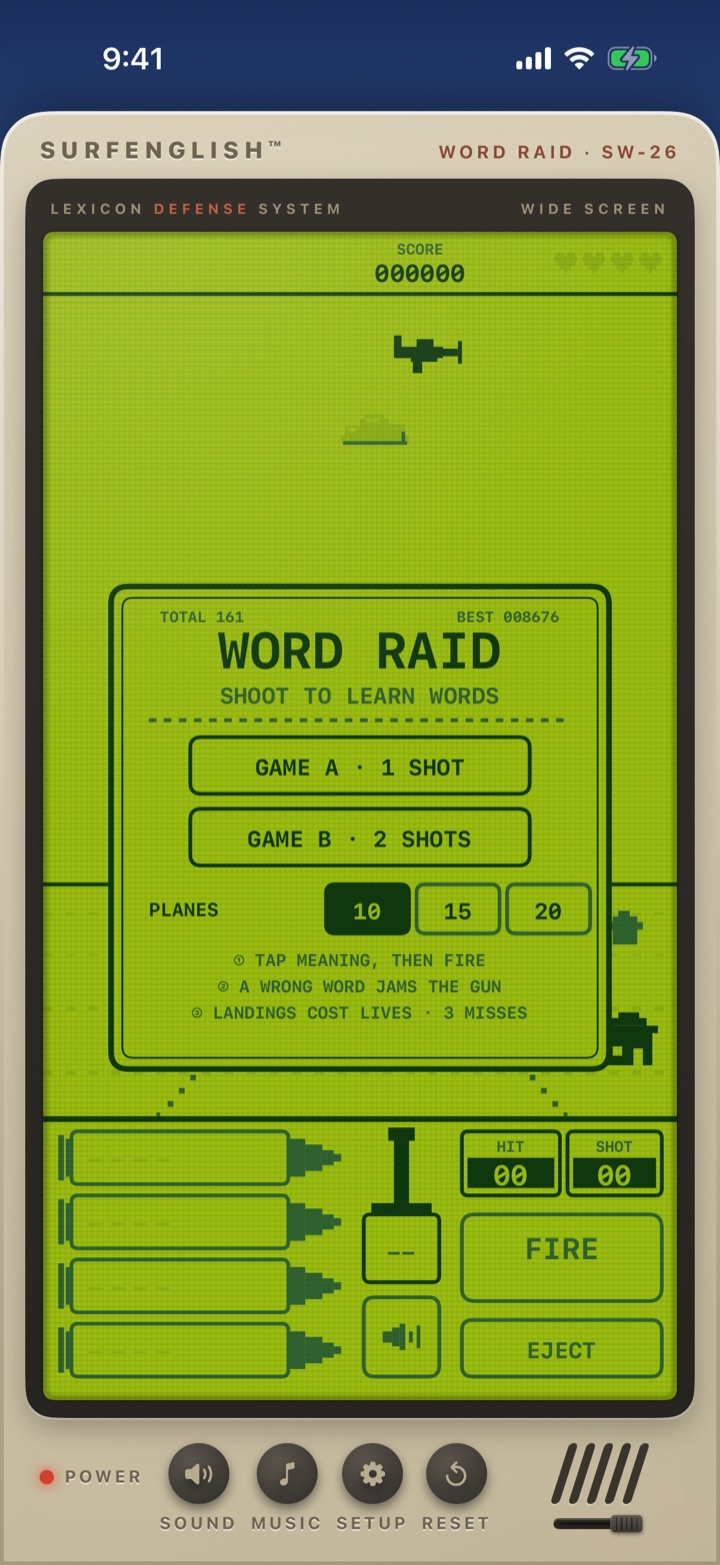
Word Raid retro arcade game in SurfEnglish
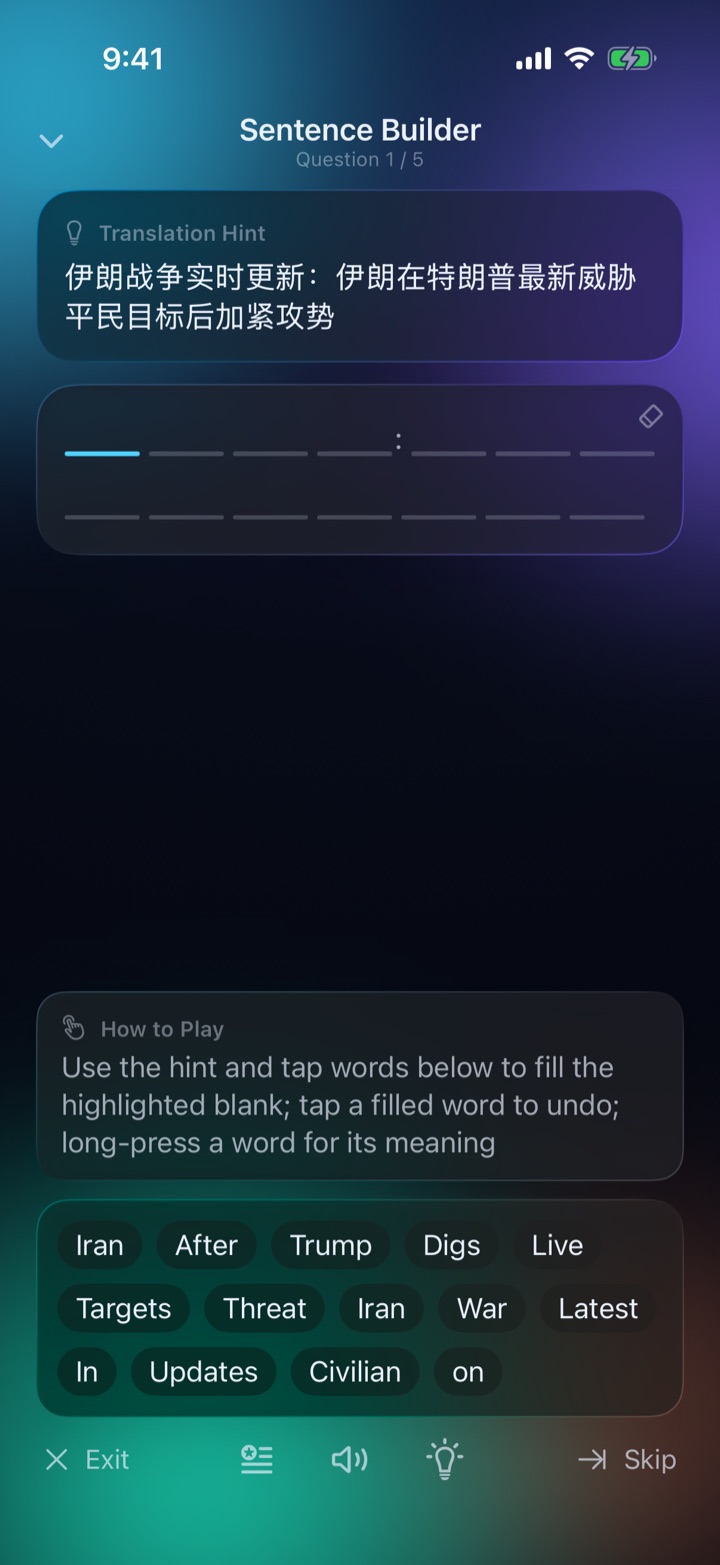
Sentence Builder game in SurfEnglish

Sentence Builder

Play now

Rebuild the sentences you translated, piece by piece, with translation hints and per-word pronunciation.

Word Raid

Play now

A retro handheld shooter — intercept falling word bombs by picking the right meaning before they land.

Word Stack

Coming soon

Capsules pile up — tap the word that matches the meaning before the stack overflows.

Word Grid

Coming soon

Pick words by meaning to reveal the hidden picture.

Go surfing

The whole web is your textbook.

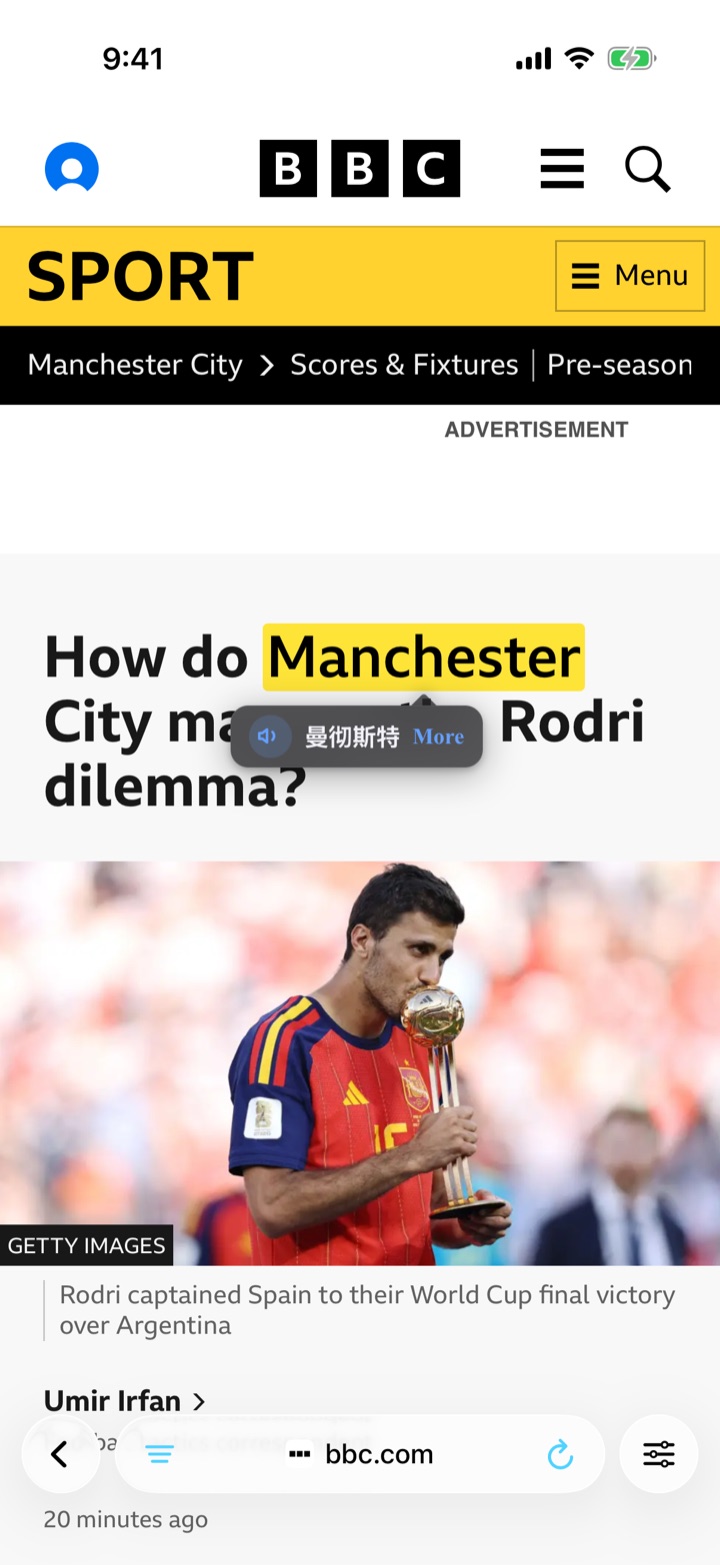
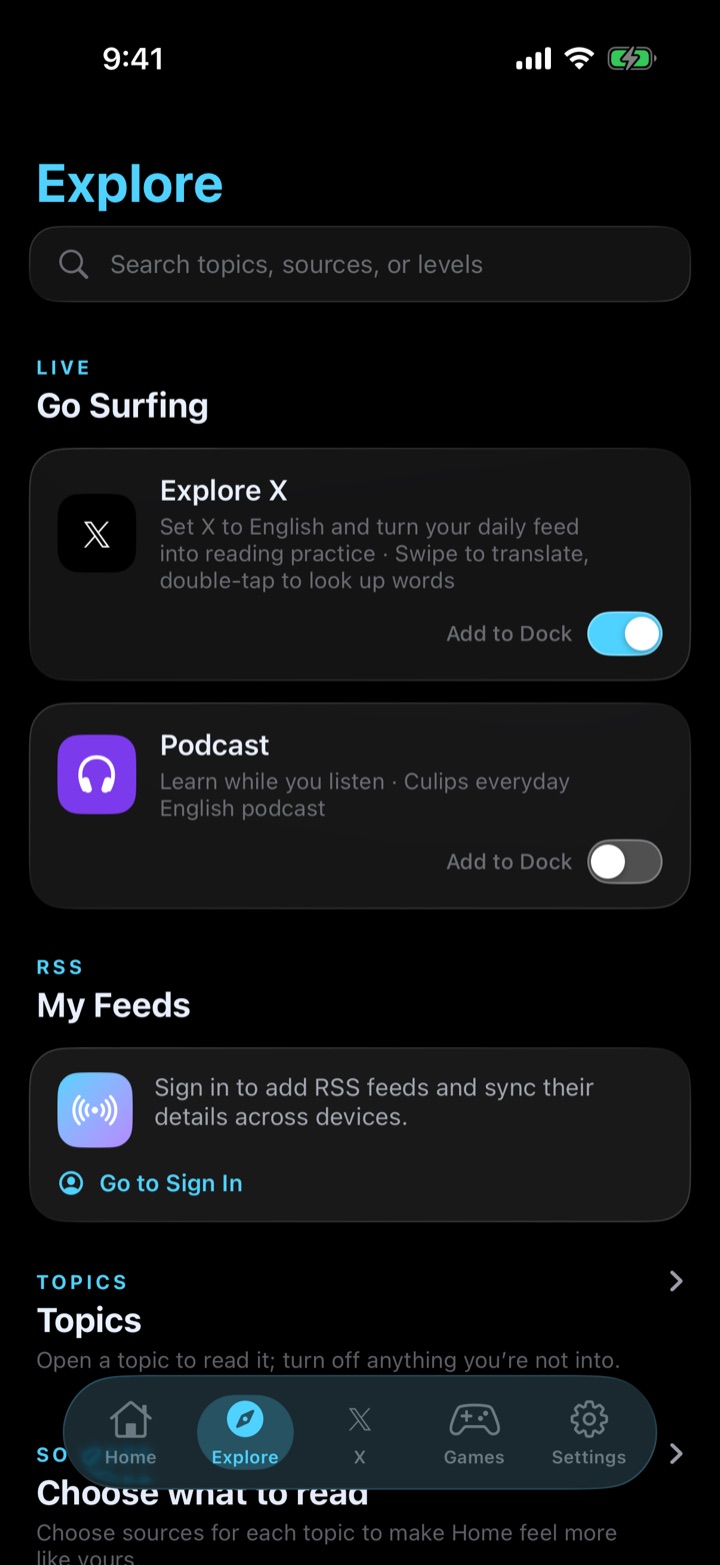
Open X, your favorite podcast site, or any page in the built-in browser — the same gestures work everywhere. Swipe to translate, double-tap to look up, extract chunks, listen aloud. Add your own RSS feeds and turn the sites you already read into daily practice.

  • Same swipe & double-tap gestures on any website
  • Curated destinations like X and everyday-English podcasts
  • Add any RSS feed as your private reading list
  • Sessions stay alive — pick up where you left off
The whole web is your textbook.
SurfEnglish built-in browser translating a real webpage

Made for the world

Learn English from your language.

The app speaks 12 languages, and translates English into 21. Your interface language and your translation language are independent — set each to what feels right.

App interface — 12 languages

English简体中文繁體中文日本語한국어EspañolPortuguês (Brasil)Tiếng ViệtBahasa Indonesiaไทยहिन्दीالعربية

Translations — 21 languages

中文(简体)中文(繁體)日本語한국어EspañolPortuguêsTiếng ViệtBahasa Indonesiaไทยहिन्दीالعربيةFrançaisDeutschItalianoРусскийTürkçePolskiNederlandsУкраїнськаEnglish (US)English (UK)

SurfEnglish Plus

Free every day. Plus when you're hooked.

Everything above is free to use every day, with daily quotas. Plus raises the limits across every learning action and adds automatic feed translation.

Free

  • Full feed, reader, browser & games
  • Daily quota of translations & lookups
  • On-device AI voice included
  • Learning library, no limits

Monthly or yearly · Cancel anytime · No account required — Plus follows your Apple ID

Private by design

Your learning data lives on your iPhone.

On-device library

Your learning database — every word, sentence and game stat — lives on your device. Nothing syncs to the cloud unless you sign in and save.

No ads, no tracking

No ad SDKs, no IDFA, no cross-app tracking. Ever.

Sign-in optional

The app works without an account. Sign in with Apple only if you want your topics and saves to sync.

FAQ

Questions, answered.

Is SurfEnglish free?

Yes. The feed, reader, browser, games and the on-device AI voice are all free to use every day, with daily quotas on learning actions like translation and word lookup. SurfEnglish Plus raises those limits and adds automatic feed translation.

What languages does SurfEnglish support?

The app interface is available in 12 languages: English, Simplified & Traditional Chinese, Japanese, Korean, Spanish, Portuguese (Brazil), Vietnamese, Indonesian, Thai, Hindi and Arabic. English content can be translated into 21 languages.

Does it work offline?

A lot of it does. The AI voice (Kokoro) runs entirely on your device, the local translation engine works offline, and your saved articles and learning library are stored locally. The live feed and cloud translation need a connection.

How is this different from flashcard apps?

You never build decks. SurfEnglish starts from real content you actually want to read — news, X, podcasts — and automatically saves what you translate and look up. Games are then generated from your own reading, so review happens naturally.

What reading level do I need?

Articles carry CEFR-style difficulty levels (A1–C1) so you can pick what fits. Because every sentence can be translated and every word looked up in one gesture, even harder articles stay readable.

Do I need an account?

No. SurfEnglish works fully without an account. You can optionally Sign in with Apple to sync your topics, custom feeds and saved words across devices.

Which devices are supported?

SurfEnglish is built for iPhone and requires a recent version of iOS. Get it on the App Store.

Catch your first wave today.

Real English, one swipe away.

Download on theApp Store