
A practical reading routine
How to learn English by reading the news bilingually
The most sustainable English reading practice starts with something you genuinely want to understand — and keeps the translation next to the original instead of replacing it. Choose a real article, post, podcast page, or website; read for meaning first; translate a sentence only where you need it, with the English still in view; notice the language chunks; then revisit the useful language in its original context.
A 15-minute routine you can repeat
- Pick one short piece you actually care about.Interest gives you a reason to finish. In SurfEnglish, article cards include a CEFR-style level and reading time so you can choose something manageable.
- Read the first paragraph without stopping.Try to understand the direction of the article before checking individual words. You do not need perfect comprehension to continue.
- Translate only the sentence that blocks you — and keep the original in view.A sentence-level translation placed directly below the English preserves the context and lets you compare the two. In SurfEnglish, swipe right on a sentence and its translation appears beneath it; switch to paragraph mode when you want more context.
- Look up words that matter to this sentence.Prioritize repeated words, key nouns and verbs, and expressions you could imagine using. A meaning that fits this sentence — with its pronunciation — is more useful than a long dictionary list.
- Notice reusable language chunks.Phrases such as “a growing number of,” “at the same time,” or “get used to” transfer to new situations better than isolated vocabulary. SurfEnglish can highlight these chunks automatically after a sentence is translated, each with its own explanation.
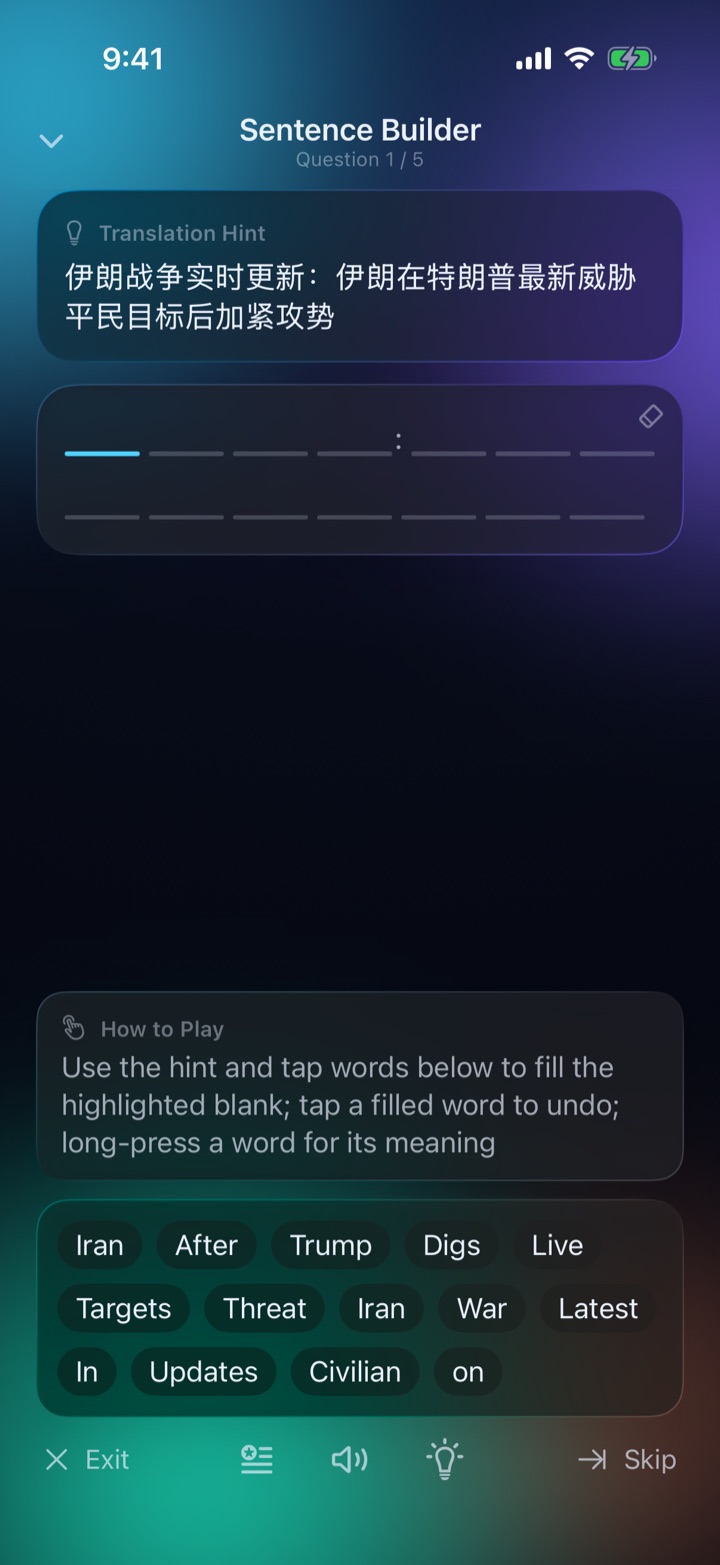
- Finish with a brief replay.Rebuild a sentence or recall a word from the same article. The goal is not a long study session; it is one small return to language that already means something to you.
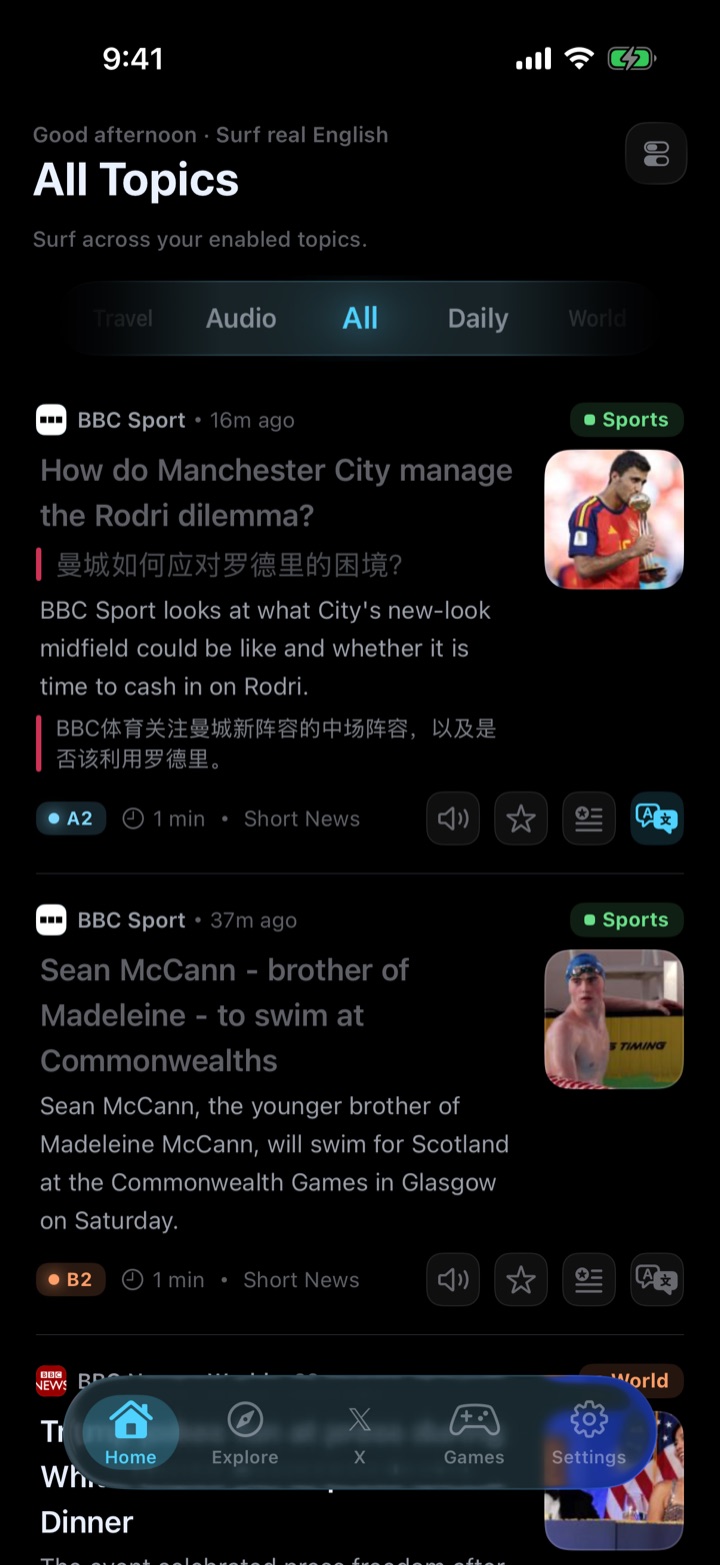
Bilingual reading vs. translating the whole page
A full-page translation answers the question “what does this say?” and removes the English you came to read. Bilingual reading keeps both: the original sentence stays on screen and the translation sits beneath it, so you can check one phrase, see how the sentence is built, and continue in English.
Why reading practice often breaks down
Real English is motivating, but the usual reading workflow creates too much friction. A learner opens a dictionary, switches to a translator, loses the original sentence, starts building a separate vocabulary list, and never returns to it. The problem is not a lack of study tools; it is that the tools interrupt the reading.
SurfEnglish was designed to keep those actions in one place. A swipe places the translation under the current sentence, a double-tap explains a word in that sentence with its pronunciation, language chunks can be highlighted automatically, and each interaction flows into a personal learning library.

What to save — and what to skip
Save this
- A sentence that changed your understanding of the article
- A word that appeared more than once
- A language chunk you could reuse in conversation or writing
- A sentence whose structure you want to imitate
Skip this
- Every unfamiliar word on the page
- Names or specialist terms you will not meet again
- Sentences you understand well enough from context
- Long lists copied without their source sentence
Who this approach is for
Learning through real reading works especially well for people who already know some English but find textbooks hard to sustain. It also works for beginners when the text is short, the level is appropriate, and the translation is close at hand. SurfEnglish labels material from A1 through C1, and the same bilingual reading tools work on supported webpages in its built-in browser — search, enter an address, and keep up to 24 tabs.
Questions about learning English through reading
What is bilingual reading?
Reading the original text with its translation kept next to it — in SurfEnglish, directly below each sentence or paragraph — instead of replacing the English with a translation. You keep the original in view, compare the two when you need to, and notice how the language is built.
Should I translate every sentence when reading in English?
No. Read for the main idea first and translate only when a sentence blocks your understanding or contains language you want to reuse. Keeping the translation below the original lets you check a sentence without leaving the flow of the article.
Can beginners learn English by reading real news?
Yes, if the material is chosen at an appropriate level and help is available in context. SurfEnglish labels articles with CEFR-style levels from A1 to C1, places translations directly below the sentences you swipe, and lets you look up any word without leaving the page.
How do I remember vocabulary from reading?
Keep the original sentence with the word, notice useful language chunks rather than isolated words, and return to the language later. SurfEnglish saves looked-up words and translated sentences with their context, then uses them in review games.
Turn your next article into English practice
SurfEnglish is free to start on iPhone, works without an account, and keeps your learning library on your device.
Download SurfEnglish